 OpenWiring
Lists and reports
Bill of materials, purchase list, devices, wires, terminals, cables and PLC lists as pages or Excel.
Draw connected devices, not lines. OpenWiring derives cross-references, wire numbers, terminal strips, cables, PLC and network addresses, and turns them into complete control-panel documentation.
Works with the tools you already use
How it works
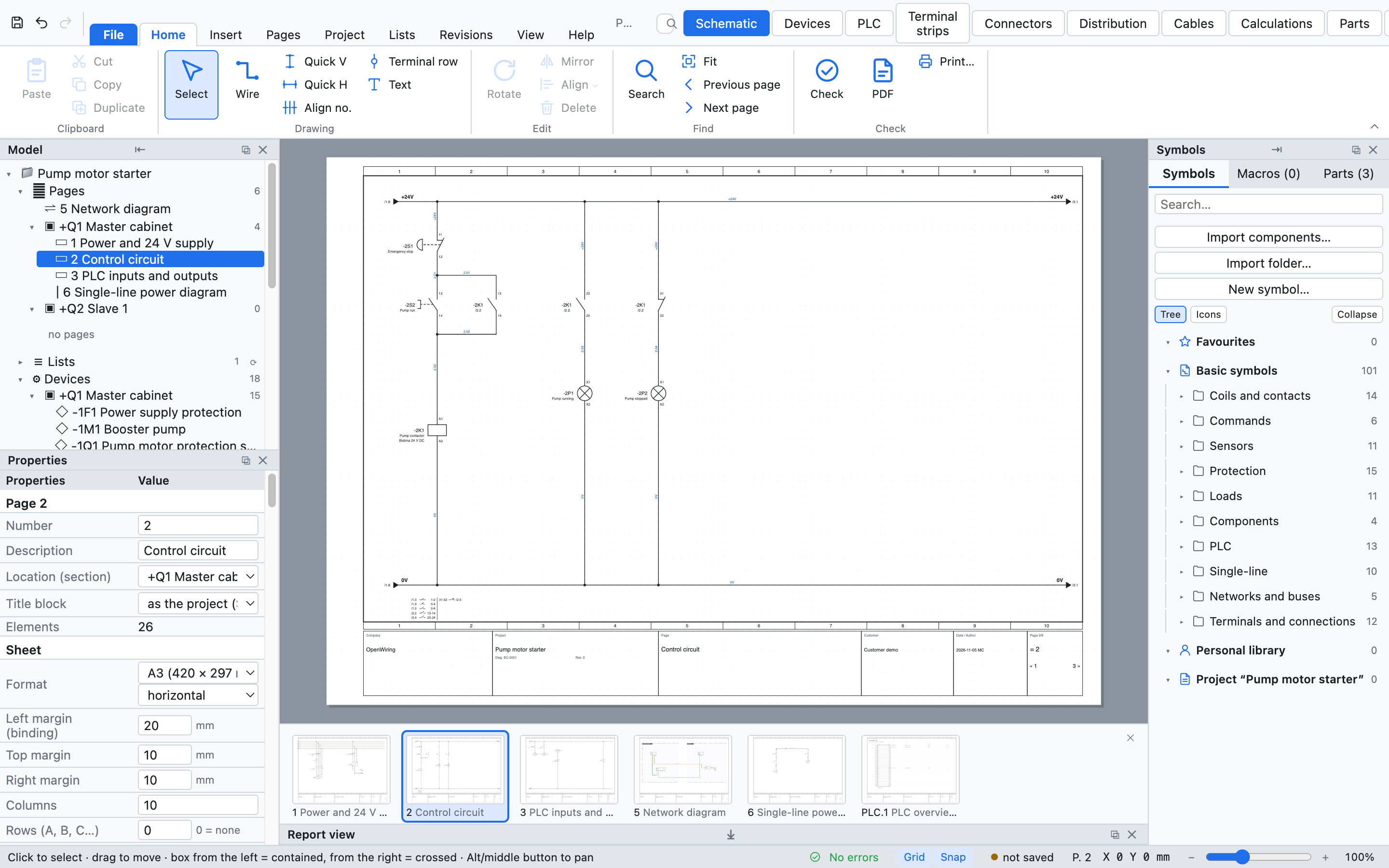
The schematic is a graph of real devices and conductors. Everything else is derived from it and stays in sync.
Symbols snap to the grid, wires break on connection points, tags follow IEC 81346.
Cross-references, contact images, wire numbers, potentials and PLC addresses are computed live.
Checked schematics, terminal and cable diagrams, lists, labels and PLC tags, ready for the workshop.
Features
A3 pages with frame and title block, an IEC 60617 symbol library and wires that behave like conductors.
{pagina}.{n:2}, per cabinet, reserved ranges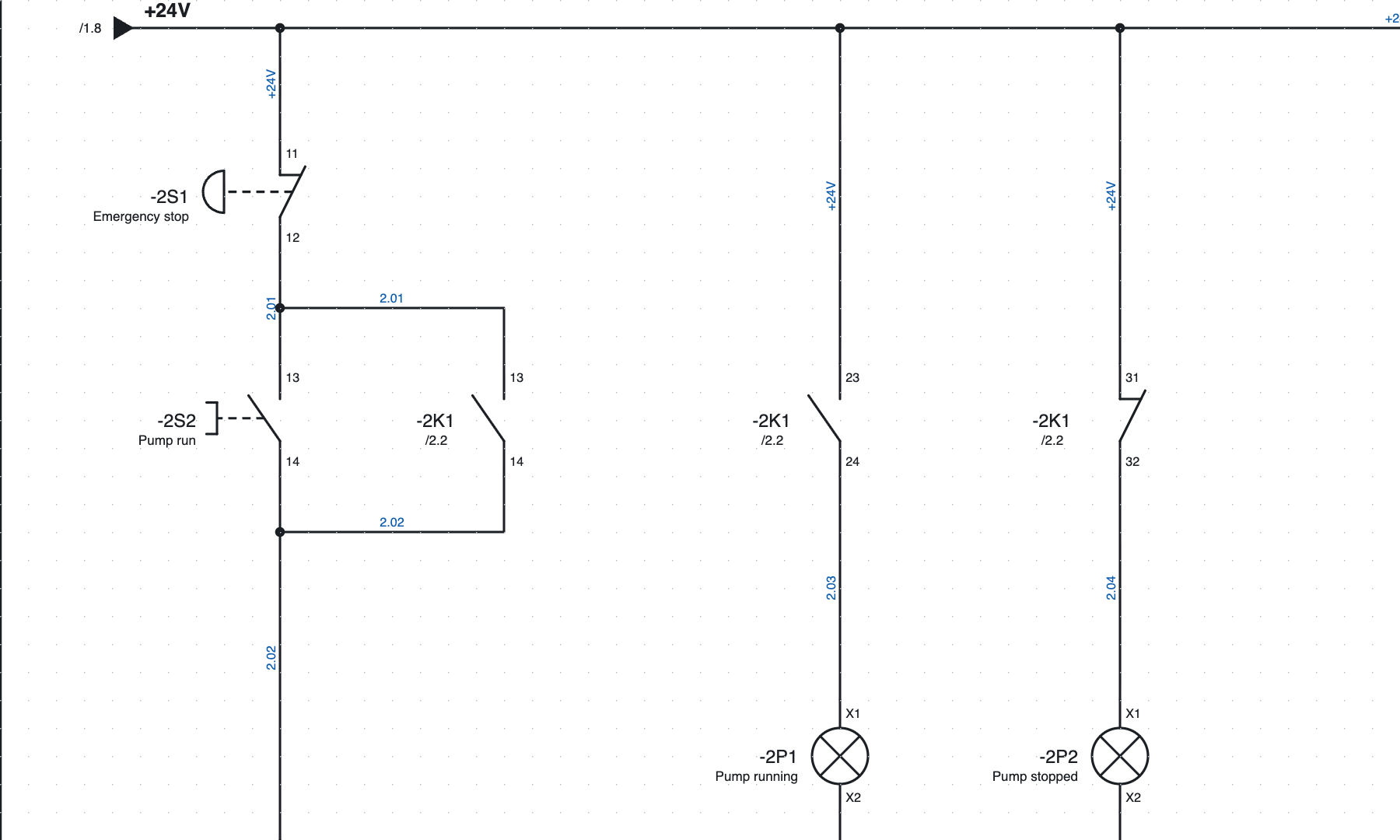
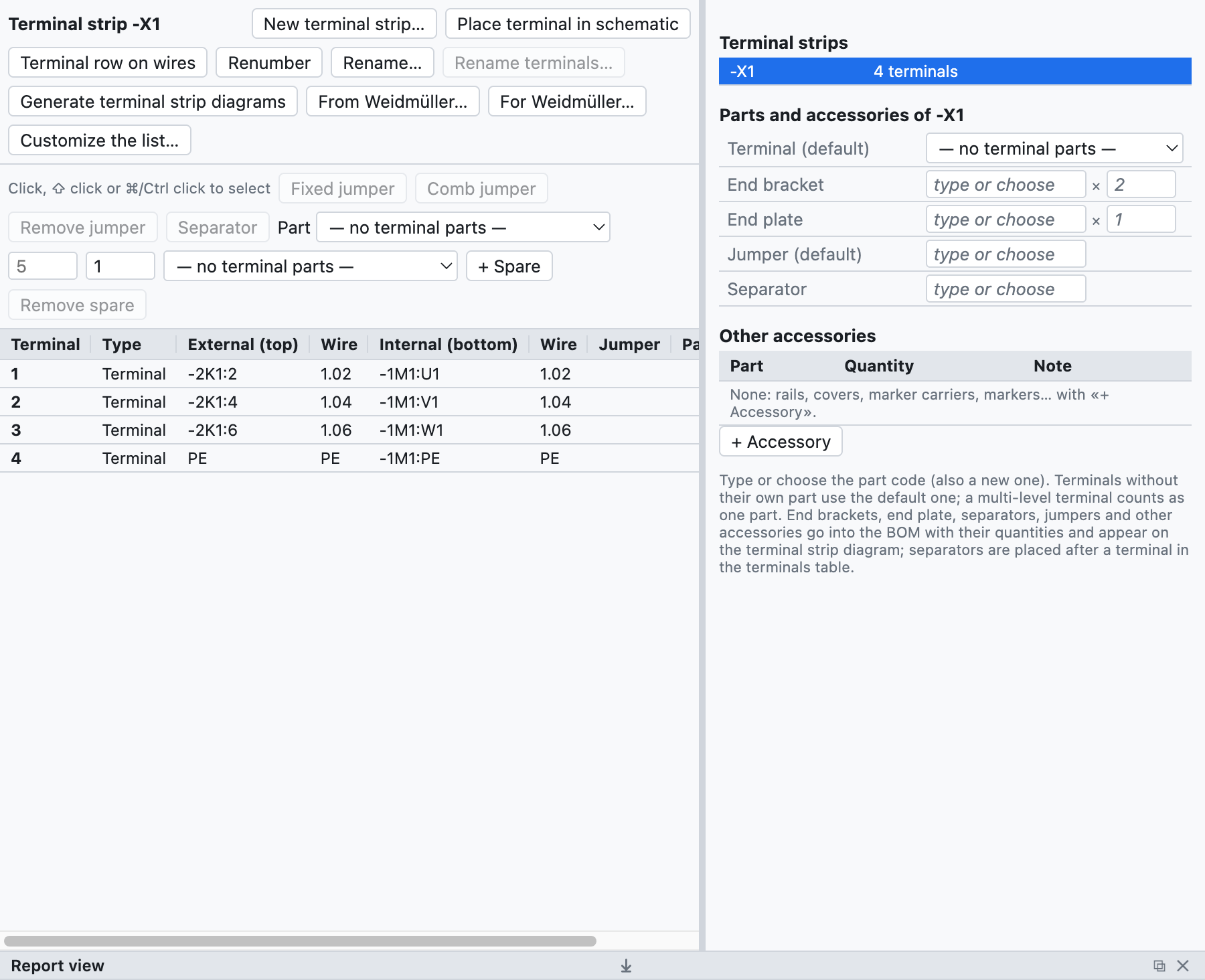
Terminals are read from the schematic, sorted and documented without retyping anything.
Cards, stations and I/O points on the schematic, with addresses in the format of your PLC.
I0.0 · IEC 61131 %IX0.0 · TwinCAT AT %I*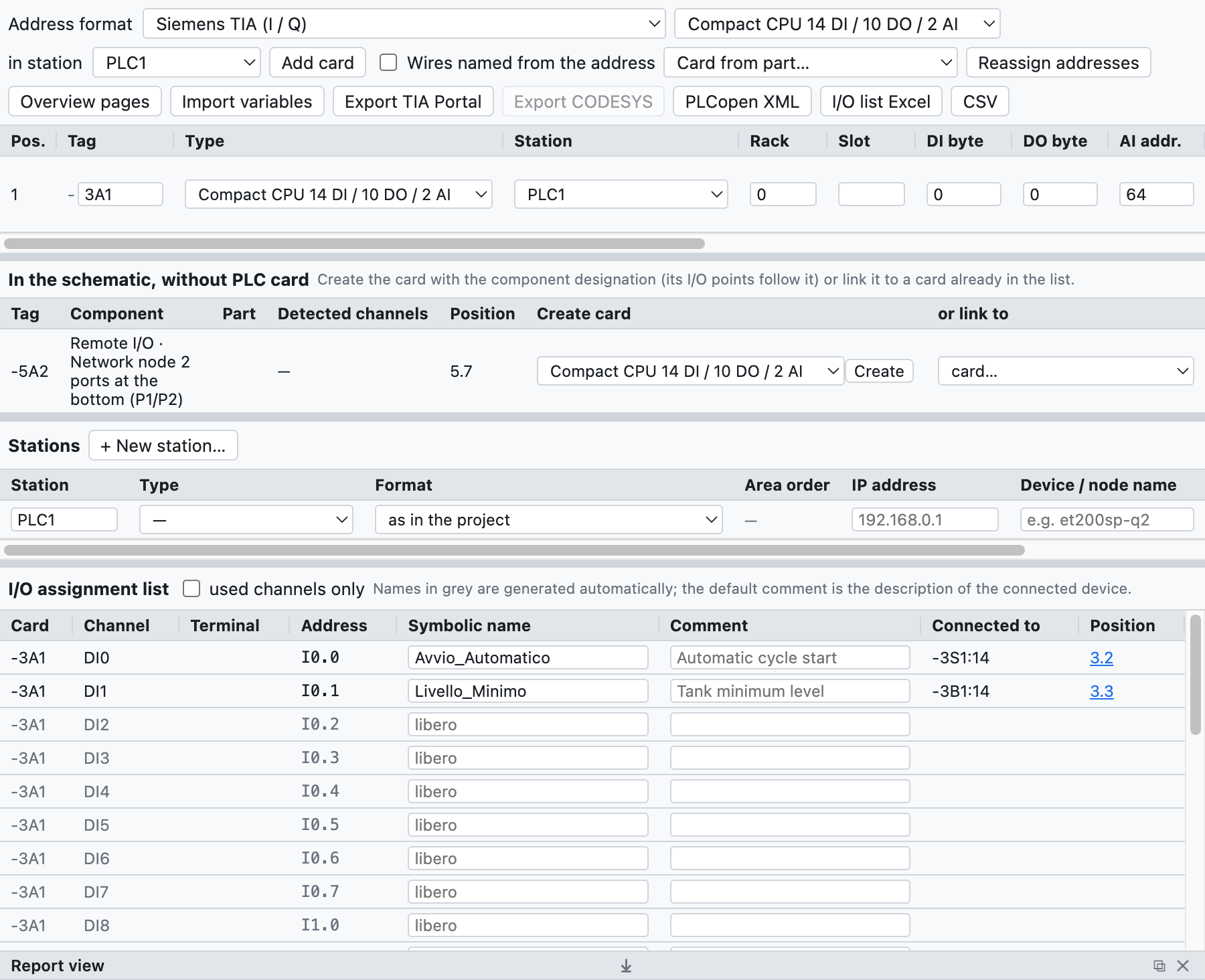
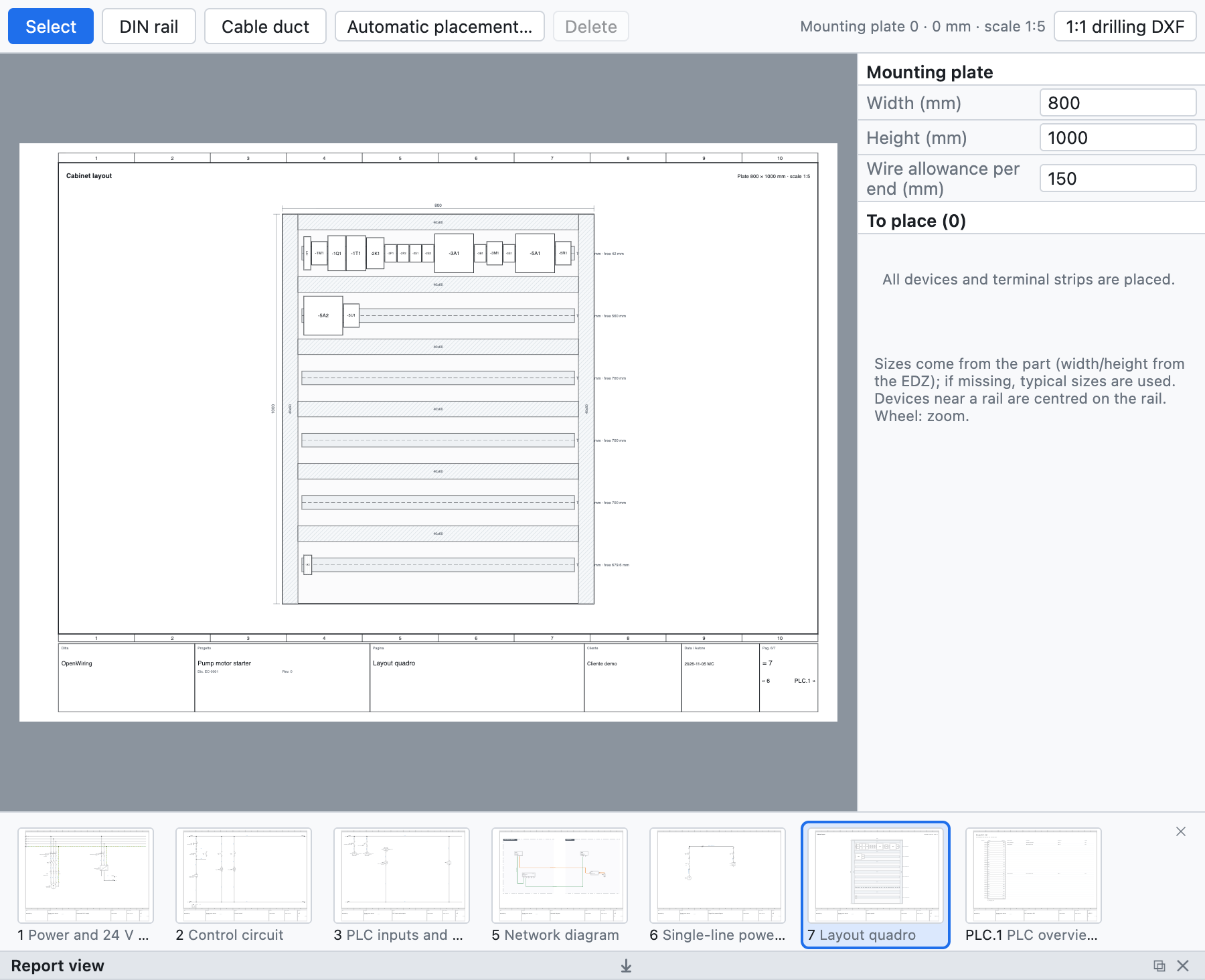
Place the devices of the schematic on the mounting plate and get the numbers the workshop needs.
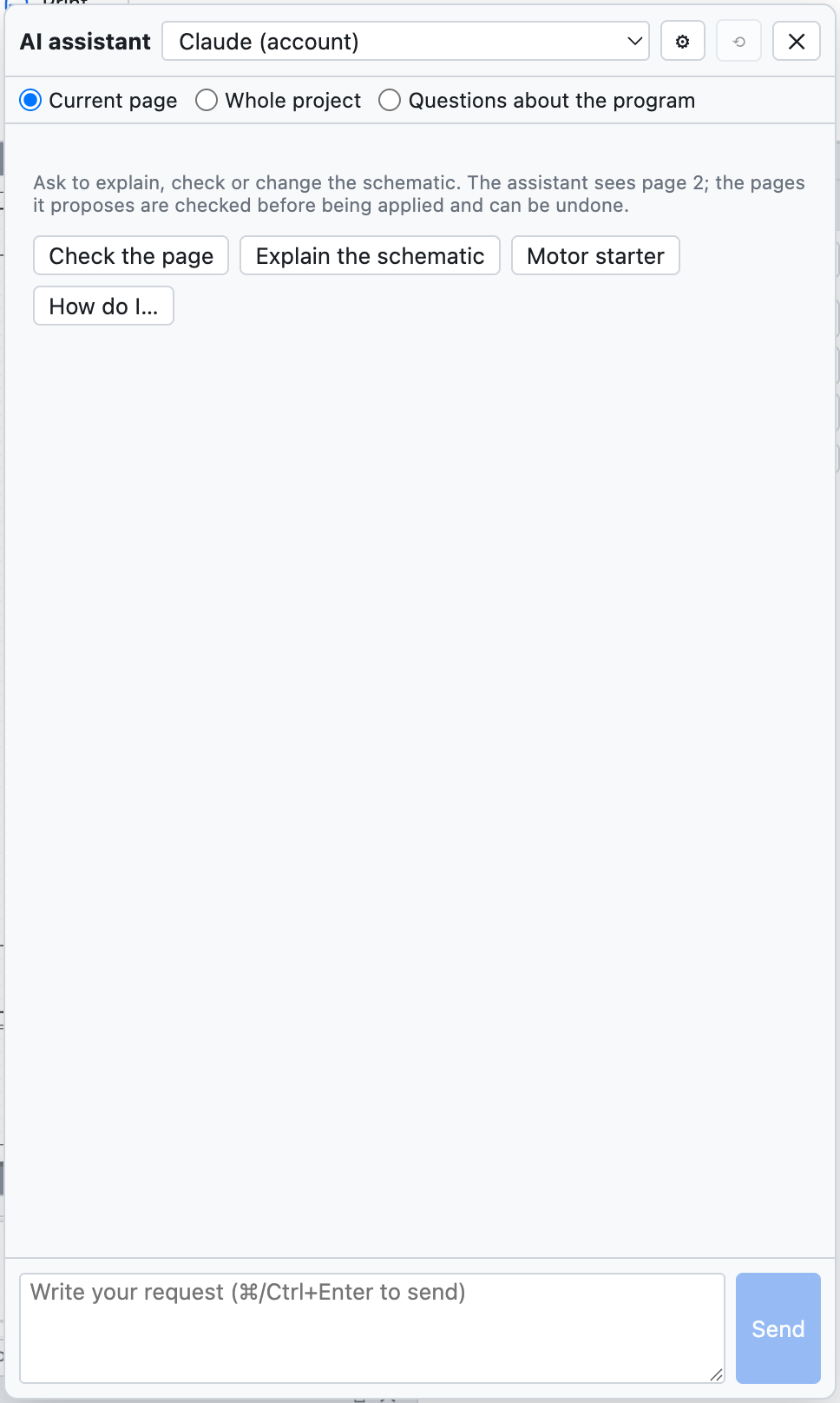
Ask in plain words: add a motor starter, renumber a page, explain a check. Use your own Claude, ChatGPT or Gemini key; nothing leaves your computer otherwise.
And much more
Bill of materials, purchase list, devices, wires, terminals, cables and PLC lists as pages or Excel.
Open contacts, duplicate tags, unconnected pins, missing parts: found before the workshop does.
Import part data from EDZ packages, XML and CSV into a local SQLite library.
Archive a revision, compare two versions of a project and mark the changed pages.
Reusable circuits, a component editor, custom title blocks and page templates.
Interface and manual in English, Italian, French, German, Spanish and Russian.
Download
Free for any use, including commercial projects. Projects are plain files on your computer.
The apps are not digitally signed yet: on first start, macOS asks for confirmation in System Settings ▸ Privacy & Security, Windows in “More info ▸ Run anyway”. How to install · All releases
Community
OpenWiring is young. Real projects and honest feedback shape what comes next.
Something wrong? A short form asks for what we need to reproduce it.
Open an issue →Questions, ideas and examples from your own panels in the Discussions.
Join the discussion →Improve a translation of the interface or the manual, or add a new language.
Suggest a fix →Electron, React and TypeScript with 600+ tests. Pull requests are welcome.
View the source →Open the example project and see the cross-references build themselves.